What an Automotive or Tinting Website Needs Before Launch
Plan service pages, genuine work photos, pricing information and booking options that help automotive customers choose the right job and take the next step.
Build around the questions customers ask at the counter
A customer comparing automotive businesses wants a few practical answers: do you handle my vehicle, what does the job involve, what will it cost and when can I come in? A strong website gives them a useful starting point before they call. The design should make those answers easy to find while showing the quality and character of the workshop.
Start the project by collecting the questions the team answers every week. For a tinting business, these might cover film options, removing old tint, vehicle preparation and aftercare. For a mechanic, they could involve servicing, diagnostics and the process for approving additional work. These questions are the basis of the page structure.
Give each type of customer a clear route
Businesses often offer services that share equipment or expertise but attract different customers. Car tinting, residential window film and commercial glazing work should not all end in an unexplained enquiry box. Each page should help the customer recognise their situation and understand the information the business will need next.
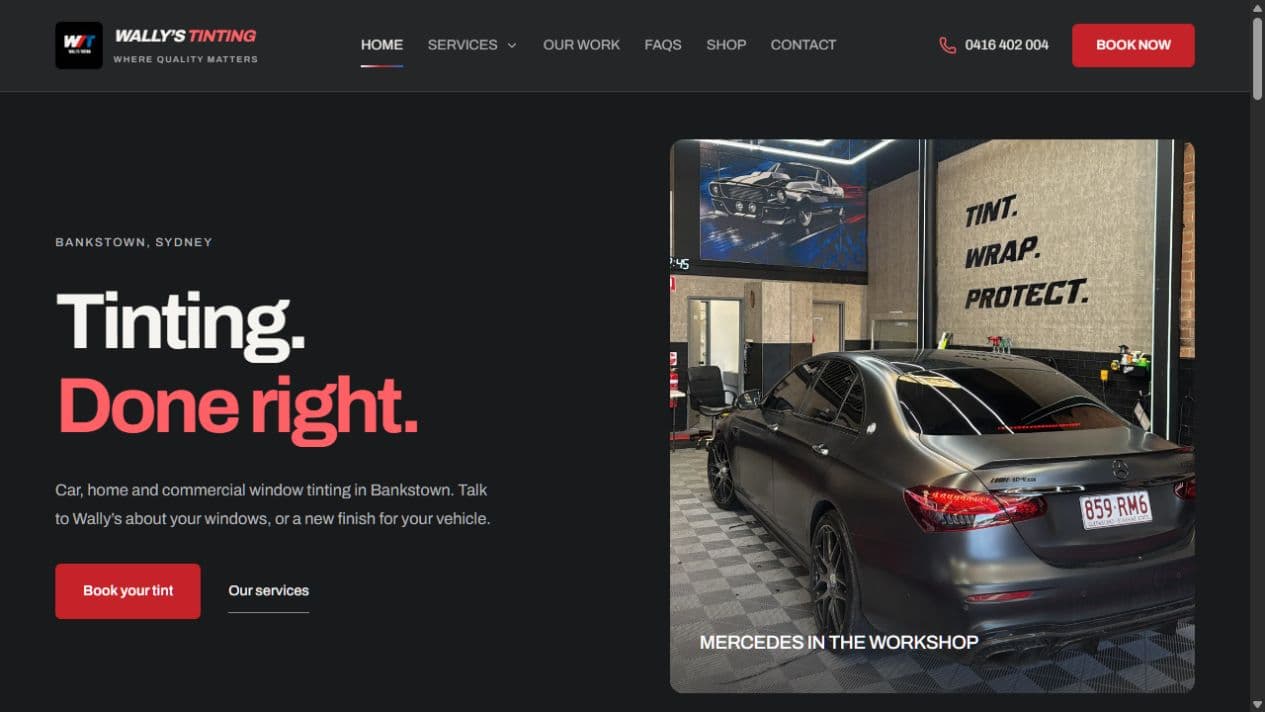
For Wally's Tinting in Bankstown, the public website brings together car, residential and commercial tinting, alongside car wrapping and tail light tinting. The useful design decision is to make those options distinct. A homeowner can follow a relevant service path without needing to understand vehicle packages first.
Show the work in enough detail to be useful
Use photographs of real jobs and give each set a purpose. A wide shot shows the finish; a closer image can show an edge, surface or installation detail. Add a short caption that identifies the service and explains what the customer asked for. Avoid presenting a stock vehicle image as a workshop project.
Before-and-after photographs are most useful when the angle and lighting are reasonably consistent. Ask permission before publishing customer images and check for personal details in the background. The gallery should make the workmanship easier to assess, rather than leaving visitors to guess which service they are looking at.
Google's image guidance recommends relevant surrounding text, descriptive filenames and helpful alt text. Compress large photos and supply suitable image sizes so the gallery remains usable on mobile. Describe what the image shows; repeating a string of suburbs in the alt text does not help the customer.
Explain pricing without creating the wrong expectation
A fixed price is useful when the job is genuinely standard. If the amount depends on vehicle size, existing film removal, product choice or site access, explain those variables near the price or enquiry button. A starting price needs a clear description of what it includes and what could change the quote.
You do not need to publish a complicated pricing calculator to be helpful. A brief explanation of the quoting process can be enough: send vehicle details and a description of the job, then receive a confirmed scope and price. Give customers a reason for the questions instead of making them fill in a long form with no context.
Choose between requesting a booking and confirming one
These are different promises. A booking request tells the workshop which job and time the customer would like. A confirmed booking requires dependable availability, job duration and capacity rules. If a staff member still needs to check the diary, the website should say that clearly in the button label and acknowledgement.
Some services suit direct booking; others need a conversation or inspection first. A standard package might allow a time selection, while a commercial tinting job may need photos, measurements and an assessment. Route each service to the appropriate next step instead of forcing every job through the same process.
Make mobile details and the workshop handover reliable
Customers should be able to call, check the address and start an enquiry without fighting a full-screen video or tiny menu. Keep contact details readable and make directions easy to open. If the workshop entrance is difficult to spot, a real photo and a short arrival note can be more useful than another decorative section.
Before launch, follow a test enquiry all the way through. Check the stored record, staff notification and customer message, including what happens outside business hours. For businesses that need more than an inbox, customer records, booking management and invoice tools can be planned as part of the wider workflow.
Prepare the material before the build begins
Bring your service list, current prices or quoting rules, approved photos, workshop details and booking process to the first planning session. Decide who will keep those details current. That gives the designer enough substance to create a site that feels specific to the business and gives customers a clear reason to make contact.