From Website Enquiry to Booked Job: A Practical Workflow
Set up a clear handover from website forms to quotes and bookings, with useful customer messages, named ownership and fewer enquiries left waiting.
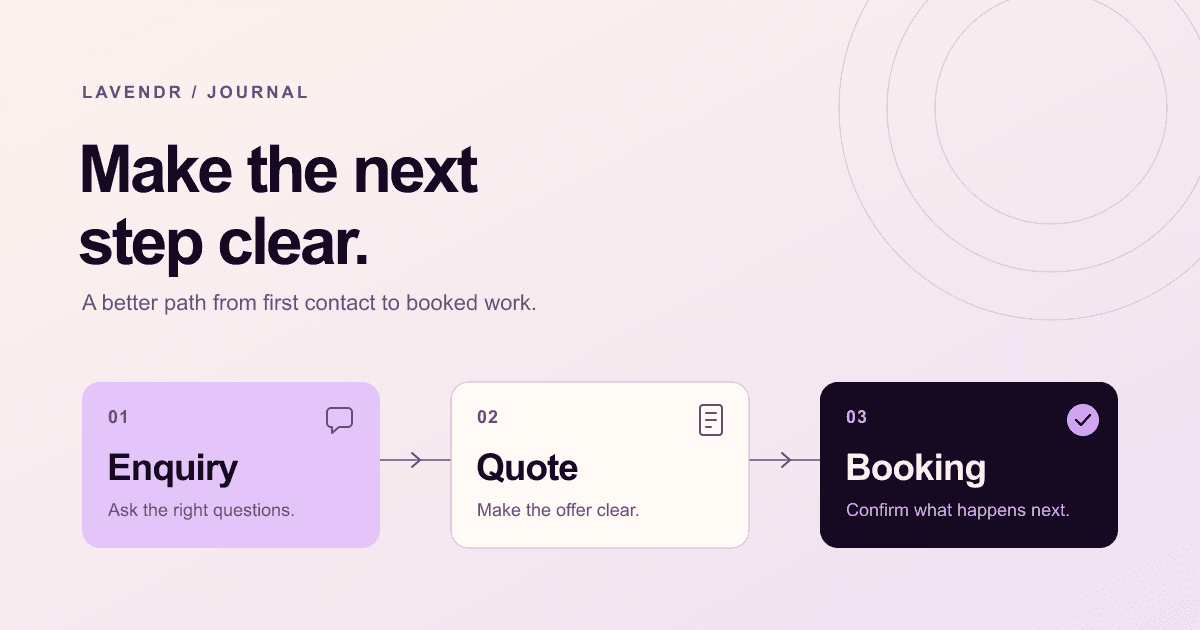
Decide what happens after the form is submitted
An enquiry can arrive successfully and still go nowhere. It lands in a shared inbox, someone assumes a colleague has answered it, and the customer books elsewhere. The website has done its part, but the handover has no clear owner. A small, consistent process helps the team follow each request through to a decision.
Map one typical job from the customer's first message to the confirmed booking. Write down who acts at each stage and what they need to know. Keep the first version simple enough to use during a busy day. Most service businesses need a reliable sequence before they need another piece of software.
Ask for the information needed to take the next step
A first enquiry form should help the team assess the request without asking the customer to do the whole quoting exercise. For a vehicle service, that might mean contact details, vehicle make and model, the service required and a short description. A home service may need a suburb and optional photos instead.
Make optional fields visibly optional and explain unusual requests. If a photograph helps identify the work, say what to show. Avoid asking people to enter the same information again later. When a staff member calls, the original enquiry should already be available so the conversation can move forward.
Acknowledge the request with a useful message
The acknowledgement should confirm receipt, summarise the request and explain what happens next. State a response window the team can meet and make it clear if replies are handled during business hours. Give the customer a way to correct details or add information without submitting another form.
Match the wording to the actual booking process. If availability still needs checking, call it a booking request. Only say the appointment is confirmed when the slot has been reserved. That small distinction prevents a customer arriving at a workshop that has no space for the job.
Give every open enquiry an owner and a next action
One person should be responsible for the next step, even if several staff can see the record. Include a status, the last action and a date for the next action. A shared inbox may be enough at low volume if ownership is clear; a CRM becomes useful when the same handover repeatedly gets lost.
Use statuses the team understands. A short set such as New, Assessing, Quote sent, Booked and Closed is usually easier to maintain than a long pipeline. Record the reason when a request closes without a booking so the next person can understand what happened without searching through old messages.
- New: assign someone to check the request.
- Assessing: record the missing detail or inspection needed.
- Quote sent: note the quote and agreed follow-up date.
- Booked: record the confirmed scope, date and preparation instructions.
- Closed: record completion, cancellation or why the job did not proceed.
Make the quote and follow-up easy to act on
A useful quote describes the work, the price, what is included and any conditions that could change it. It should also tell the customer how to accept and what is needed to reserve a time. Keep those instructions together so people do not need to piece them together from a text message, PDF and phone conversation.
Follow up with a reason. Ask whether a detail needs explaining or whether the proposed timing works. Agree on a sensible cadence and stop when the customer declines. Keep service messages separate from optional marketing, and avoid a sequence that continues sending reminders after the customer has already booked.
Keep a record even when a notification fails
Treat email notifications as an alert, with the actual enquiry saved somewhere the team can check. Otherwise, a filtered or misdirected email can hide the entire request. Show clear success and error messages on the website, and make sure staff have a practical way to see requests waiting for attention.
Test the process with representative jobs before relying on it. Include a request outside business hours, an incomplete submission and a customer who changes their preferred date. Confirm that the right staff member sees each enquiry, the customer receives accurate information and changes are reflected in the booking record.
Review the waiting work before adding automation
Check for unassigned enquiries, quotes awaiting a response and bookings missing essential details. These lists point to specific actions. A count of form submissions alone cannot tell you whether customers are being helped or whether the team is overloaded.
Once the routine works, automate repetitive steps such as creating a record, assigning a service type or reminding the owner of a due task. Keep exceptions visible and give staff a way to intervene. The purpose is a dependable path from first contact to the right appointment, with less chasing for both the customer and the business.