Custom CRM vs Off-the-Shelf Software: Which Fits Your Business?
Compare custom CRM development with off-the-shelf platforms using workflow fit, ownership, integration, adoption and long-term operating cost.
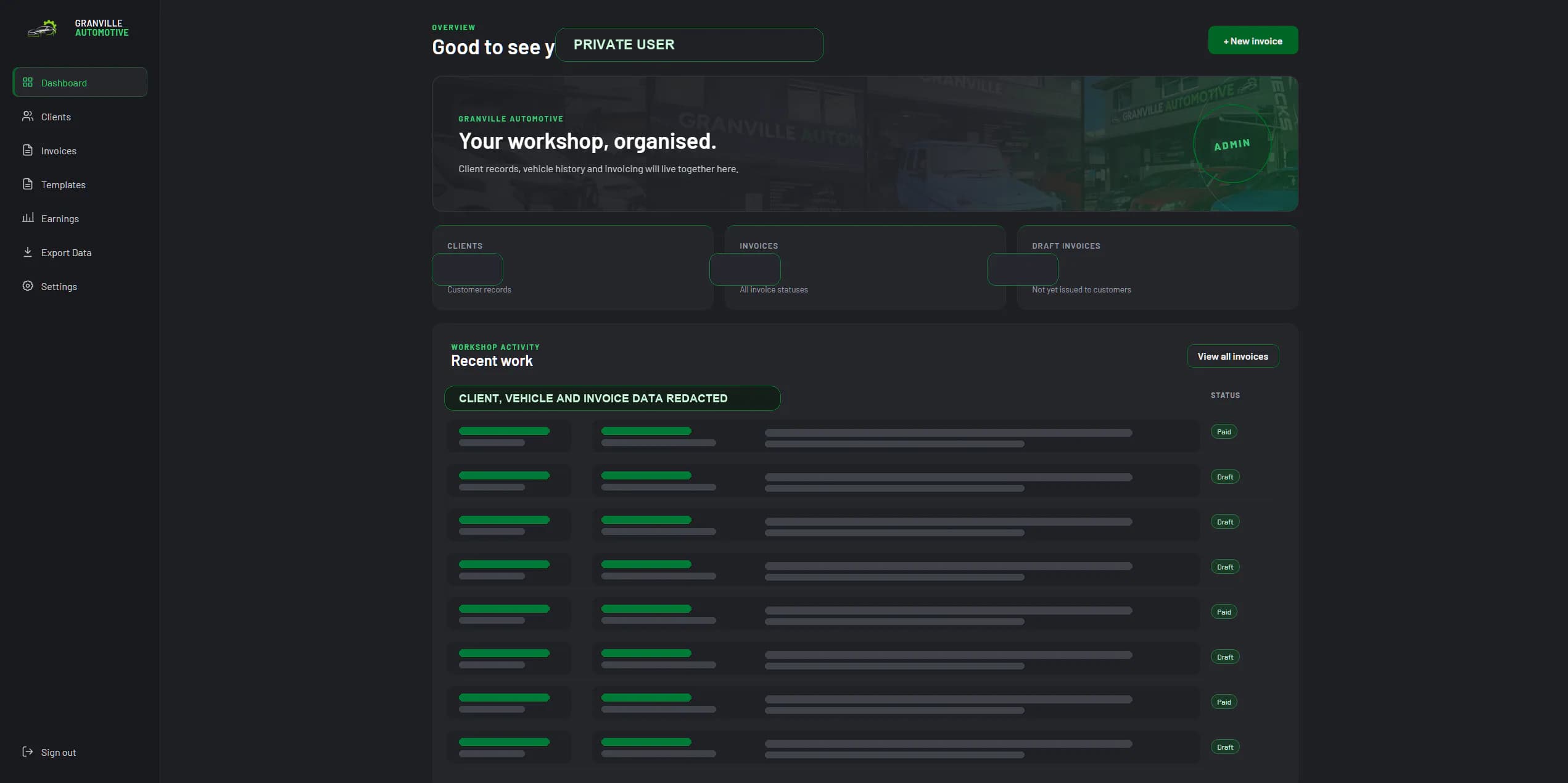
Start with the operating problem, not the product
A customer relationship management system should make it easier to understand a customer, move work forward and keep the team aligned. The decision is not simply whether custom software is better than HubSpot, Salesforce, Zoho or another platform. It is whether the system fits the way your business sells, delivers and supports its work without creating avoidable administration.
Before comparing products, map the process from the first enquiry to the final handover or ongoing service. Record who owns each stage, what information they need, where approvals occur and which reports management relies on. That picture is more useful than a feature checklist because it exposes the work the CRM must support every day.
When an off-the-shelf CRM is the sensible choice
Established CRM platforms are often the right starting point. They can be configured quickly, receive regular product updates and provide mature integrations for common sales and marketing tasks. If your process is reasonably standard and the team can adapt without losing important controls, buying a dependable platform is usually less risky than building one.
A packaged CRM is especially useful when the main need is contact management, a conventional sales pipeline, basic email follow-up and familiar reporting. The business benefits from proven functionality while avoiding the responsibility of maintaining its own application.
- The sales process follows common stages and does not need unusual approvals.
- Most required integrations are already supported and well documented.
- The team can work inside the platform without maintaining parallel spreadsheets.
- Subscription and implementation costs remain reasonable as users and data grow.
Signals that a custom CRM may be justified
Custom CRM development becomes worth considering when the business has a valuable process that generic software repeatedly works against. The strongest signal is not that people dislike the interface. It is that staff must duplicate information, build unofficial workarounds or leave the CRM to complete important parts of the job.
For example, a service business may need customer records connected to quotes, jobs, site visits, documents, approvals and recurring obligations. If those relationships are central to delivery, forcing them into unrelated add-ons can make the process harder to understand and more expensive to manage.
- Customer information is copied between the CRM, accounting software and spreadsheets.
- Managers cannot trust pipeline or service reports without rebuilding them manually.
- Different teams maintain separate versions of the same customer or job record.
- Critical permissions, approvals or audit history cannot be configured cleanly.
- Per-user pricing and add-ons keep increasing while the workflow remains compromised.
Compare the total operating cost, not only the subscription
A subscription price is visible, but the cost of a poor fit is spread across the business. Include implementation consultants, add-ons, integration tools, manual data entry, reporting time, training and the cost of mistakes caused by disconnected records. An inexpensive platform can become costly when skilled staff spend several hours each week compensating for it.
Custom software has a larger upfront commitment and requires a clear maintenance plan. In return, the business can own a system designed around its records, rules and priorities. The comparison should cover several years and include how each option will respond to growth, staff changes, new services and future integrations.
What a useful bespoke CRM should include
A bespoke CRM should be smaller and more focused than a major enterprise platform. Its value comes from representing the parts of your operation that matter, not from recreating every feature available elsewhere. The first release should give the team one reliable source of truth and remove the most expensive points of friction.
That usually means a clear customer and account model, role-based access, the core pipeline or service workflow, practical search, activity history and the management views needed to run the business. Integrations should be added where they remove meaningful duplication, with clear behaviour when an external service is unavailable.
Reduce risk before development begins
Do not begin by asking a developer to reproduce every existing spreadsheet. Start with discovery, representative users and the smallest release that can improve a complete workflow. Prototype the screens with realistic records, confirm permissions and agree on what success will look like before the most expensive development work begins.
Data migration deserves its own plan. Existing contacts and records may contain duplicates, missing fields and inconsistent naming. Decide what needs to move, what can be archived and how the imported data will be checked. A clean launch is more valuable than transferring years of uncertainty into a new interface.
A practical decision test
Choose an off-the-shelf platform when it supports the important workflow with sensible configuration and predictable costs. Consider a custom CRM when the way your business manages customers is genuinely distinctive, commercially important and repeatedly constrained by generic tools.
The best answer may also be a hybrid: keep a proven platform for standard marketing or accounting functions and build a focused operational system around the work that makes your business different. A short workflow audit can identify that boundary before you commit to either direction.